In our previous article Amazon S3 Storage For Your WordPress Site we explained how to save space and reduce load on your WordPress site by offloading media to Amazons S3. In this article we will take things farther and show you how you can serve those same files through Amazons Cloudfront. This is serving your files through a CDN (Content Delivery Network) and offers a substantial increase in speed for people visiting your site.
Edit: I have published the article Amazon S3 Storage With Cloudflare As CDN which is a great free alternative to Amazons Cloudfront.
Let’s get started. Go ahead and sign-in to your Amazon account and than select the Cloudfront option:
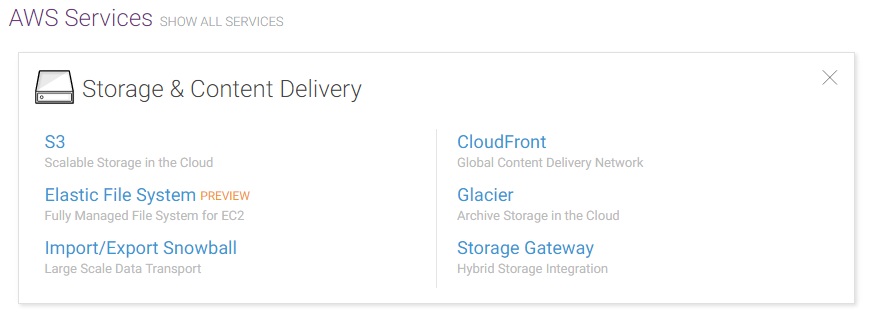
Go ahead and hit the “Create Distribution” button. Now in the Web section hit “Get Started”. Click in the first field “Origin Domain Name” and select the Bucket we created in our previous article. You can leave the default setting for the rest as they work well out of the box. Now scroll to the bottom and hit the “Create Distribution” button. It may take a bit for the service to complete setup, depending on how much media you had in your bucket already.
What is happening now is Amazon is sending all of your bucket containers to it’s different locations worldwide, so when a user accesses your site / content from let’s say Sweden they will automatically be served content from the Amazon server closes to their location!
Try this on one of our High Performance SSD Web Hosting plans!
Leave a Reply